Configurators
2D or 3D configurator: which one for your product
3D lets buyers turn around the product. 2D can deliver a more controlled rendering and a lighter experience. The choice depends less on the technology than on what your customers need to see, and it is settled with a calculation.
By Wake Systems··9 min read
Why 15,360 configurations do not need 15,360 images
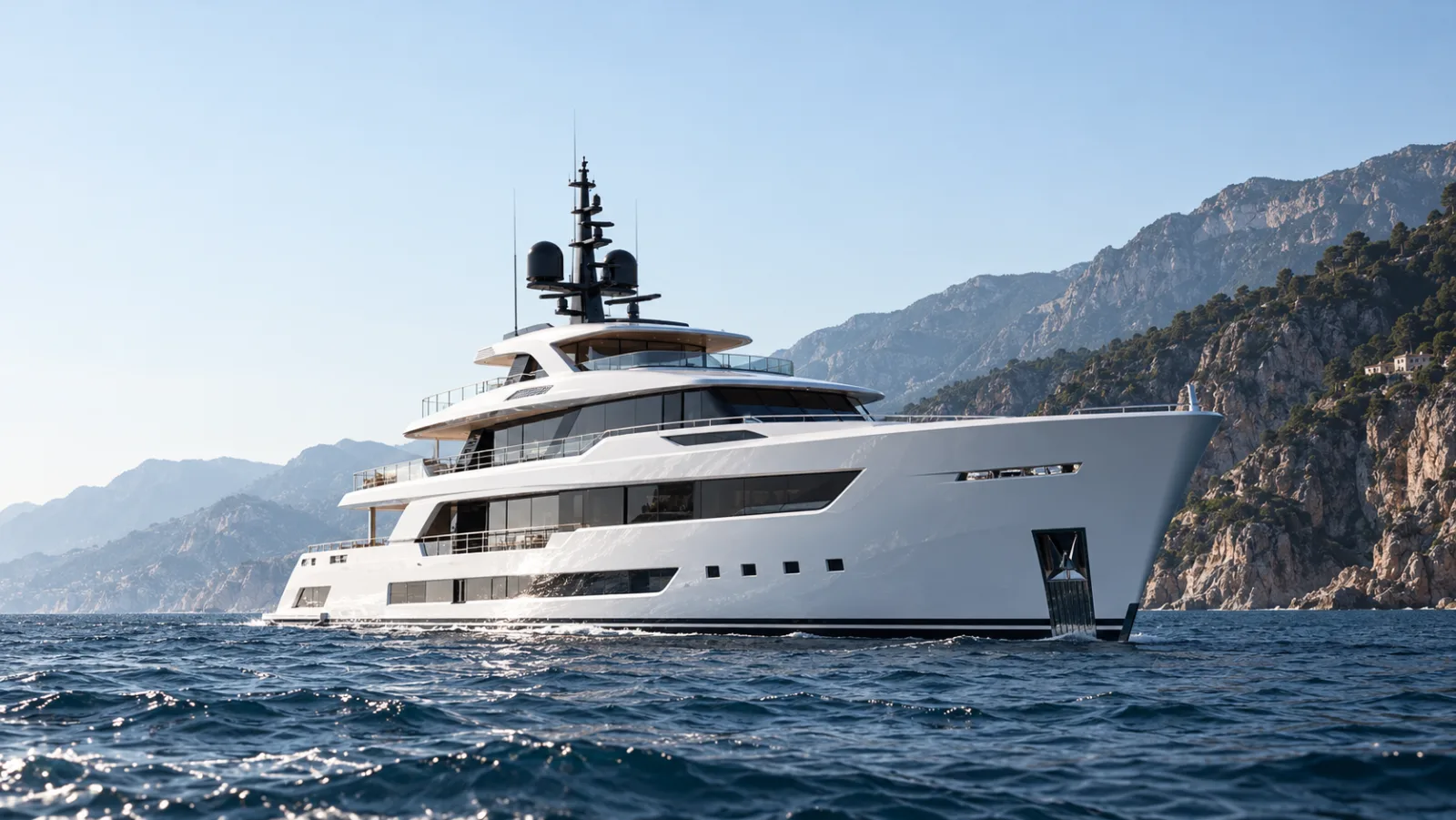
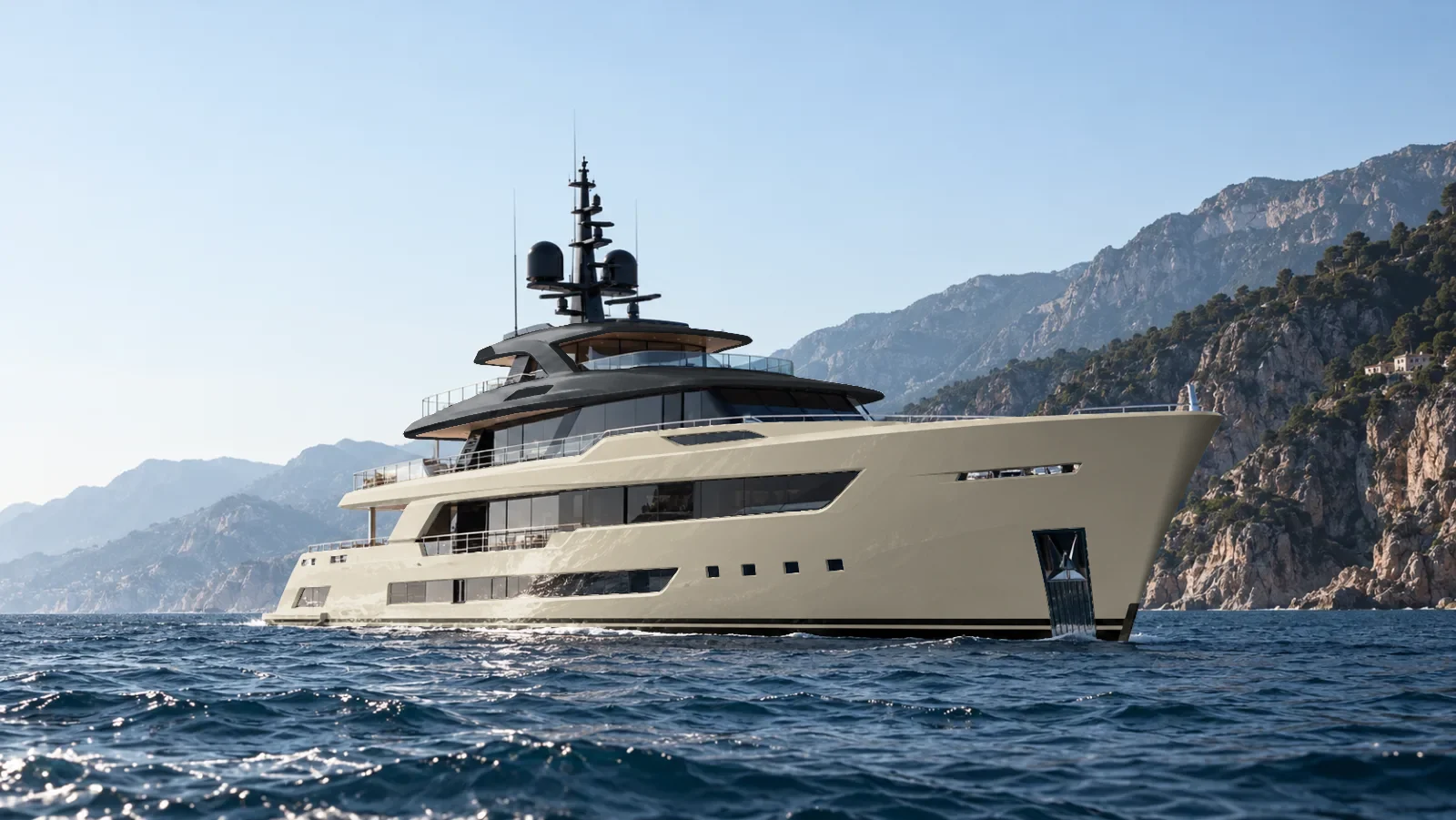
Take a boat builder: four hull colours, three engine packages, five upholsteries and eight optional items, each either taken or not. The arithmetic is immediate: 4 × 3 × 5 × 2⁸, or 15,360 commercial configurations.
Not all of them change how the boat looks. The engine package, for instance, is not visible from the chosen viewpoint: three commercial choices map to one and the same image. That leaves 4 × 5 × 2⁸, or 5,120 distinct appearances.
Producing 5,120 complete images would be absurd. So you prepare the elements rather than the combinations: one base image, four hull variants, five upholstery variants and eight equipment layers. Seventeen customisation elements, plus the base, cover 5,120 appearances from that angle.
This is not a production guarantee. Some items cast a shadow, hide another component or require a particular view, and then extra visuals are needed. But the order of magnitude holds: configurations grow by multiplication, visuals by addition.
That is the point most often missed when choosing. A catalogue of several thousand combinations does not, on its own, justify a 3D configurator.
Two ways to represent the same product
A 2D configurator rests on visuals prepared in advance. When the customer changes the hull colour, the interface swaps only the element concerned. The viewpoint, the lighting and the setting stay identical, because they were decided upstream.
That is a real advantage on a premium product: the reflections on a hull, the grain of a leather and the finishes are crafted with the precision of an advertising image, without depending on the visitor's machine. The limit is freedom of movement: to show the stern or the interior, you have to prepare those views.
A 3D configurator displays a model the customer can manipulate. They turn around it, zoom, see where an item sits, move from bow to stern. That freedom matters when the product's geometry, its bulk or the assembly of its components enter the buying decision.
It is paid for in preparation. Models must stay fluid on the devices actually used, and real-time rendering does not automatically match a precalculated image: glass, reflective metals and complex paints demand specific work.
3D lets you see more. It does not guarantee seeing better.
What each approach changes for the customer
Picture two buyers in front of the same boat. The first compares hull colours, picks an upholstery and an engine package, then sends the configuration to a salesperson. A few good fixed views fully answer their need.
The second wants to understand the deck volumes, the circulation around the helm and how an item integrates. Free rotation gives them information fixed views will not.
The differences come down to six points:
- Realism: excellent in 2D with prepared images; in 3D it depends on the quality of the interactive rendering and its optimisation.
- Viewpoints: predefined in 2D, free in 3D.
- Detail inspection: limited to the available views in 2D, zoom and exploration in 3D.
- Adding an item: one more image or layer in 2D, a component to model and integrate in 3D.
- Mobile: generally easier to control in 2D, more demanding in 3D.
- Catalogue changes: new visuals per view in 2D, adapting components and materials in 3D.
The best experience is not the most interactive one. It is the one that lets the buyer decide with the least effort.
The rules engine does not depend on the rendering
All those differences concern visualisation. The commercial functions can be rigorously identical on both sides.
Take an engine package at 12,000 euros that requires a 2,500-euro electrical pack. The engine is not visible in the image, and yet selecting it changes the technical configuration and the price. The configurator has to know that dependency, whether it shows the boat in 2D or in 3D.
Two behaviours are then possible: automatically adding the pack with an explanation, or flagging the incompatibility and asking for confirmation. Either way, the summary and the price must stay consistent.
A configurator can display the right boat and produce a technically impossible quote. Image quality does not guarantee the validity of the options.
That is why the catalogue, the compatibility rules and the prices are managed independently of the display. It is also what lets your teams change a price or remove an option without touching the interface.
How those four layers come together in a complete project: 3D product configurator, how it is built
Budget and timelines: what actually weighs
On average, a configurator sits between 6,000 and 25,000 euros. That average has no limit at either end: a single range with available visuals can cost less, a full catalogue connected to production can cost considerably more.
The 2D or 3D choice does not decide that position on its own. Three factors weigh more:
- Visual resources. Starting from usable renders or models changes everything. Creating them from scratch is often the project's first line.
- Option complexity. Changing a few colours is simple. Managing hundreds of dependencies, exclusions and requirements calls for a far more elaborate structure.
- Commercial functions. Saving a selection has nothing to do with calculating a price, generating a quote and passing the configuration to the sales team.
One counter-intuitive consequence is worth keeping: a simple 3D configurator built on an existing model can cost less than a 2D solution covering several ranges and a complete commercial logic.
On timelines, a focused first version goes live in one to two weeks. What lengthens a project is almost never the development: it is producing the visuals when they do not exist, and the decisions about the catalogue.
Nothing requires shipping everything at launch. A first version can cover the main models, the essential options and the production of a usable configuration. The other ranges and the extra views follow, once real use has been observed.
A budget broken down line by line: what custom software costs
Hybrid is not an automatic compromise
The two approaches combine. A brand can present its product with carefully precalculated renders, then offer 3D exploration of certain areas. Another can reserve 3D for desktops and serve fixed views on mobile.
These architectures answer precise needs, generally when photographic quality and technical exploration both matter. They are not a default solution.
Maintaining two display modes means producing two sets of resources, testing two experiences and guaranteeing that the selected options stay in sync between them. The result can cost more than a single well-chosen approach.
In some cases a simpler interface is enough. A manufacturer with three models and a few finishes does not necessarily need a full configurator: an interactive gallery with a summary of the options covers most of the need.
Five questions to settle it for your range
Before committing to development, these five answers are enough to orient the architecture.
- Do your customers need to turn freely around the product? If a few views show every important characteristic, 2D remains solid. If volumes and assemblies are part of the decision, 3D takes the lead.
- Do your options change the finishes or the geometry? Colours and materials are easy to represent either way. A shape that changes substantially points to 3D.
- What level of realism do you expect? For a presentation close to advertising photography, 2D has real advantages. For interactivity, 3D, provided it is optimised.
- How often does your catalogue change? The cost of adding an option is measured at the start, not afterwards. It often decides profitability at three years.
- What should the configurator produce at the end? An image to share, a quote request, a technical summary or a configuration the sales team can use. That is the most important question, and it does not depend on the rendering.
A configurator is not judged by its number of features. It is judged on two things: the buyer composes their product without difficulty, and the company gets back a configuration it can turn into a reliable commercial proposal.